Bypass Vercel's 4.5MB Body Size Limit Using Supabase
How to avoid Vercel serverless request body limits by uploading files directly to Supabase and sending only metadata through the API
· 3 min read
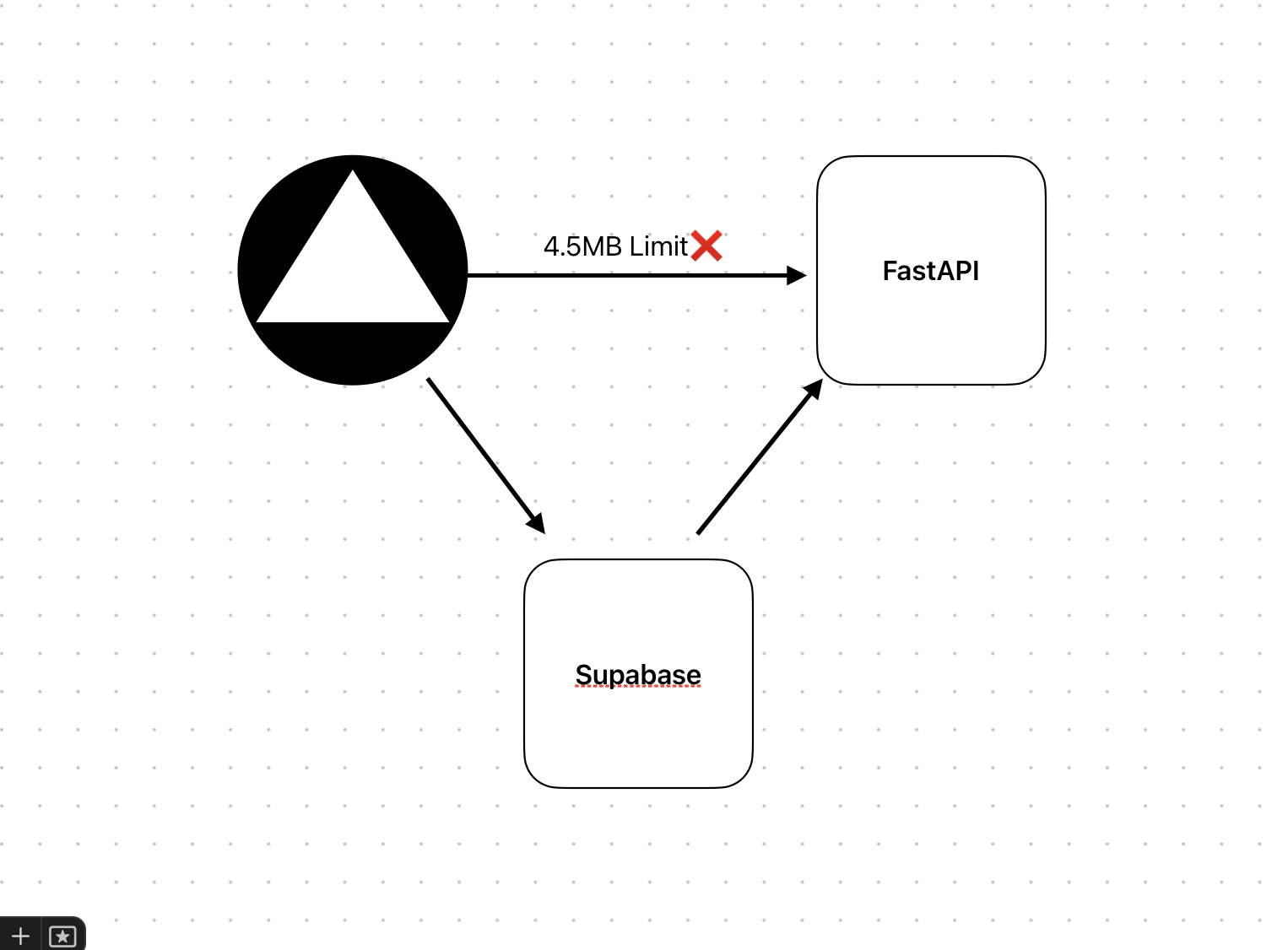
When building Elevan, a learning tool, I ran into a production upload problem. The app needed to support files up to 50MB, but uploads larger than 4.5MB failed after deploying to Vercel.
The reason was Vercel's serverless request body limit. Everything worked locally, but production users were blocked from uploading larger files.
What are serverless functions?
Vercel serverless functions are lightweight pieces of code that run only when needed, usually when handling API requests. They are fast, scalable, and cost-efficient because they run only for the duration of a task.
That model also comes with limits. Serverless functions are meant to act as an API layer, not as a full media upload server. Large files should be handled by storage designed for large binary payloads.
The challenge
Our initial setup looked like this:
- Users uploaded files to our server using a Next.js API route.
- The server sent files to FastAPI for processing.
- Processed files were saved to Supabase storage.
This worked during local development, but it failed in production when files were larger than 4.5MB.
The solution
The fix was to stop sending the file through the serverless function.
Instead, users upload files directly from the browser to Supabase storage. The Next.js API route only receives small metadata such as the file URL, name, and size. That metadata is then forwarded to the FastAPI server for processing.
New workflow
The new flow is:
- The browser uploads the file directly to Supabase storage.
- The browser sends file metadata to a Next.js API route.
- The Next.js API route forwards that metadata to FastAPI.
- FastAPI downloads the file from Supabase storage.
- FastAPI processes the file and stores the result.
This keeps the serverless function small and fast because it never receives the large file body.
Why this works
Direct-to-storage uploads avoid the serverless body size limit entirely. The large file goes to Supabase, while the serverless API only handles metadata.
This architecture also scales better because storage handles file transfer and the backend focuses on processing. Supabase storage can handle much larger files, giving the product more room to grow.
Takeaway
If file uploads are hitting Vercel or serverless request limits, offload large files to a dedicated storage provider. Let the browser upload directly to storage, then pass only metadata through your serverless API.
That keeps serverless functions lightweight and avoids bottlenecks without giving up your processing pipeline.