Turn anything into LLM-Ready Data: A Guide for every file type
A practical workflow for turning PDFs, documents, audio, video, and URLs into data that can be used by LLMs
· 8 min read
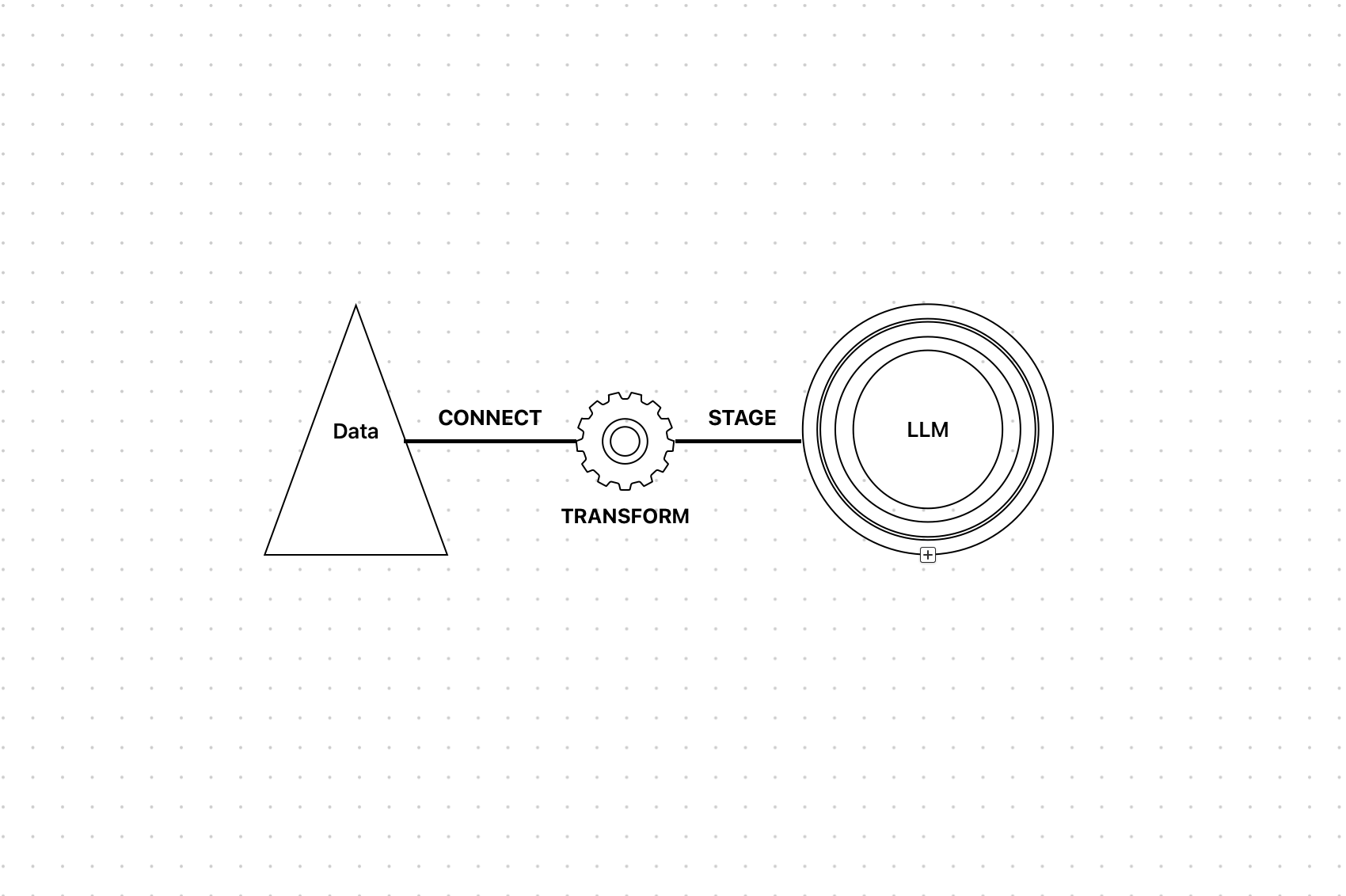
Welcome, reader. At some stage of building an AI-powered application, you need to transform files, audio, video, and URLs into data that can be fed directly into an LLM.
The goal of this post is simple: show a practical way to prepare data for LLM consumption without spending time guessing which tool should handle each input type.
What You Need To Know
The core idea is streamlined data processing:
- User input can be a file, audio, video, or URL.
- Pre-processing extracts text and structure using the right tool for the input.
- Storage keeps the structured output available for later use.
- The LLM receives clean data that it can analyze, summarize, or answer questions about.
We will start with text-based files like PDFs and DOCX files, then move to MP3 audio, MP4 video, and finally URLs.
Parsing files with Unstructured
Unstructured is an open-source library that transforms complex, unstructured data into clean structured data for GenAI applications.
Step 1: Set up Unstructured
Create an Unstructured account, then get your API key and API URL from your account settings.
Step 2: Install the CLI package
pip install unstructured-ingest
Step 3: Set environment variables
Set UNSTRUCTURED_API_KEY to your API key and UNSTRUCTURED_API_URL to your API URL.
You need two directories: an input directory for files you want to process and an output directory where processed data will be written.
Step 4: Parse the files
Configure the input directory, configure the output directory, and then run the Unstructured pipeline.
Pipeline.from_configs(
    context=ProcessorConfig(
        disable_parallelism=True,
        num_processes=1,
    ),
    indexer_config=LocalIndexerConfig(input_path=input_dir),
    downloader_config=LocalDownloaderConfig(),
    source_connection_config=LocalConnectionConfig(),
    partitioner_config=PartitionerConfig(
        partition_by_api=True,
        api_key=api_key,
        partition_endpoint=api_url,
        strategy="auto",
        additional_partition_args={
            "split_pdf_page": True,
            "split_pdf_allow_failed": True,
            "split_pdf_concurrency_level": 1,
        },
    ),
    uploader_config=LocalUploaderConfig(output_dir=output_dir),
).run()
The pipeline reads files from the input directory, processes them, and writes structured output to the output directory.
How it works
partition_by_api=True tells Unstructured to use its hosted API instead of processing locally. This helps reduce local resource usage.
strategy="auto" lets Unstructured choose the best parsing strategy based on the file type.
Once the pipeline runs, your parsed and structured data is available in the output directory.
Optional: You can add chunking configuration for Retrieval Augmented Generation workflows. For this post, we are focusing on extracting text from files.
Moving to production
The input-output directory structure works well for testing and small-scale use cases, but production systems usually need source connectors, destination connectors, and durable storage.
Because Supabase is not a native Unstructured destination connector, you can use this workflow:
- Temporarily store uploaded files in an input folder.
- Create a temporary output folder for processed data.
- Run the Unstructured pipeline.
- Upload extracted text to Supabase storage.
- Delete temporary input and output folders.
Handling MP3 files with Lumos
Audio can be a goldmine for LLMs, but only if you can transcribe it effectively.
Lumos is a small utility library we built to simplify audio transcription so you can focus on AI features instead of wiring transcription services from scratch.
Install Lumos:
uv pip install git+https://github.com/lumiralabs/lumos
Transcribe an MP3 file:
from lumos "text-accent">import lumos

with open("audio_file.mp3", "rb") as audio_file:
    transcription = lumos.transcribe(audio_file)

print(transcription.text)
The transcribe method accepts audio bytes and returns transcribed text. Lumos uses LiteLLM behind the scenes to handle the heavy lifting.
For larger audio files, split the file into chunks and process the chunks asynchronously using a worker system such as Celery or Redis Queue.
Handling MP4 files
Video is just audio with pictures attached.
For MP4 files, extract the audio as MP3 and then transcribe it the same way you handle an audio file.
Use yt-dlp with FFmpeg to extract the audio track:
"text-accent">import os
"text-accent">import tempfile
from lumos "text-accent">import lumos
"text-accent">import yt_dlp

"text-accent">async def process_video_file(file_path: str) -> str:
    "text-accent">try:
        print(f"Processing video: {file_path}")
        with tempfile.TemporaryDirectory() as temp_dir:
            audio_path = os.path.join(temp_dir, "audio.mp3")
            ydl_opts = {
                "format": "bestaudio/best",
                "postprocessors": [
                    {
                        "key": "FFmpegExtractAudio",
                        "preferredcodec": "mp3",
                        "preferredquality": "192",
                    }
                ],
                "outtmpl": audio_path,
                "quiet": True,
                "no_warnings": True,
            }

            with yt_dlp.YoutubeDL(ydl_opts) as ydl:
                ydl.download([f"file://{file_path}"])

            with open(audio_path, "rb") as audio_file:
                transcription = lumos.transcribe(audio_file)

            "text-accent">return transcription.text
    except Exception as e:
        raise ValueError(f"Video processing failed: {str(e)}")
The workflow is:
- Provide a video file.
- Extract audio with
yt-dlpand FFmpeg. - Transcribe the audio with Lumos.
- Use the transcribed text as LLM-ready input.
Processing URLs with Firecrawl
Turn any website into LLM-ready Markdown.
Firecrawl converts webpages into clean structured formats that are ready for LLM processing.
Install Firecrawl:
pip install firecrawl-py
Scrape a URL:
from firecrawl "text-accent">import FirecrawlApp

app = FirecrawlApp(api_key="fc-YOUR_API_KEY")

scrape_result = app.scrape_url(
    "https://www.firecrawl.dev",
    params={"formats": ["markdown"]},
)

print(scrape_result)
The output usually includes Markdown, HTML, and metadata. Markdown is the most useful format when you want a clean text representation for an LLM.
Putting it all together
A complete LLM-ready data workflow looks like this:
- The user submits a URL, uploads a file, or provides audio or video.
- The system identifies the input type.
- Text files are parsed with Unstructured.
- Audio and video are transcribed with Lumos and
yt-dlp. - URLs are scraped with Firecrawl.
- Structured output is stored in a database or storage bucket.
- Temporary files are cleaned up.
- The LLM receives clean data for chat, search, summarization, or analysis.
Recommended tools: Unstructured, Lumos, Firecrawl, Supabase, and whichever LLM provider fits your product.